
How to Use Proxies for Facebook Ads: Checking Campaigns by Country
Proxies help Facebook advertisers with one specific job: seeing campaigns the way people in each target market see them. That includes the ad itself, the landing page it leads to, the prices and language on that page, and how quickly it loads. They don’t make ad accounts safer, and they can’t get around Meta’s advertising policies. This guide covers where residential proxies are useful for Facebook ads, how to set them up, and which tactics to avoid.
Want to check your campaigns from your customers’ locations? Get a trial on QuickProxy for only $1.99.
Start with Meta’s own tools
Before using a proxy, use the tools Meta already provides. They are free and they’re the official record:
- Ads Manager preview: shows how an ad renders in each placement, such as Feed, Stories and Reels.
- Meta Ad Library: a public, searchable record of active ads on Facebook and Instagram, including competitors’ ads. Many details are visible without logging in.
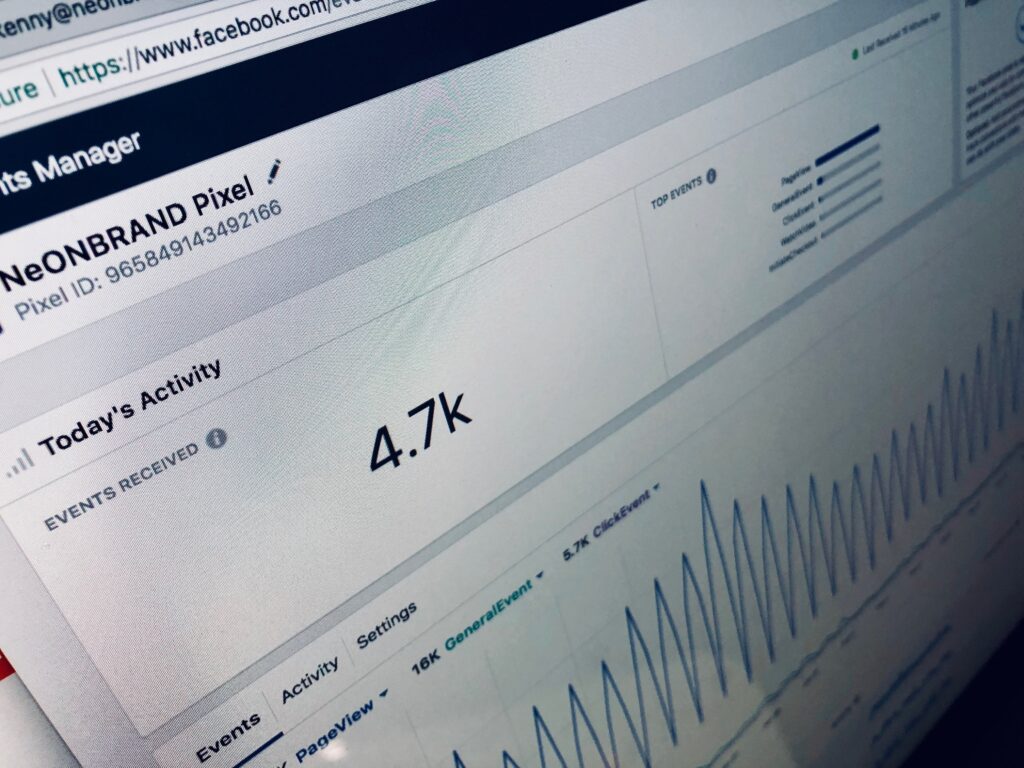
- Events Manager test events: confirms that your Meta Pixel or Conversions API records visits and purchases correctly.
A proxy adds what these tools can’t show: the full journey after the click, viewed from a real connection in the country you target.
Where residential proxies help
1. Check landing pages by country
An ad can be perfect while the page behind it is broken for some visitors. Geo-redirects can send a German visitor to the wrong shop, prices may display in the wrong currency, or a consent banner may block the page. Opening your final URLs through a residential proxy in each target country catches these problems before they waste budget.
2. Test tracking and redirects
Click-through links often pass through several redirects and add tracking parameters. Testing them from each market confirms that UTM tags survive, that the right page loads, and that your conversion events fire.
3. Research competitors’ public pages
Start with the Ad Library to see what competitors advertise. Then visit their public landing pages from your target country to see the offers, prices and messages that local customers actually get.
4. Check page speed in each market
Slow landing pages cost conversions. Comparing load times from different countries shows whether visitors far from your server get a worse experience. See what affects proxy speed so that you can interpret the results fairly.
How to set it up
- List the markets and URLs. Include every country you target and the final URL of each active ad.
- Connect a browser to the proxy. Use a separate browser profile with a proxy extension. See our guide to FoxyProxy, and set the location with your username, for example
username-cc-defor Germany. - Stay logged out of Facebook in that profile. You’re checking public pages, not using your ad account. Keep managing campaigns from your normal connection.
- Match the language and time zone to the market, so that you see what a typical local visitor sees.
- Record results. Take dated screenshots and keep a short checklist per country: page loads, correct language, correct price, tracking fires.
What not to do with proxies on Facebook
| Tactic | Why to avoid it | Do this instead |
|---|---|---|
| Creating extra ad accounts on new IPs to avoid bans | Meta treats getting around enforcement as a serious violation and links accounts using many signals besides IP | Request a review of the decision, and fix the policy issue |
| Cloaking: showing reviewers a different page from users | Explicitly prohibited, and it leads to account removal | Show everyone the same compliant page |
| Logging in to your ad account from changing IPs | Sudden location changes can trigger security checks | Use a consistent connection, and grant team access through Business Manager |
| Using an IP to “target” a country | Your IP doesn’t affect who sees your ads | Set targeting in Ads Manager |
If an ad account is restricted, a different IP won’t fix the cause. Read Meta’s notice, correct the issue and appeal through Account Quality.
A pre-launch checklist
- Preview every placement in Ads Manager.
- Open each final URL from every target country through a residential proxy.
- Check language, currency, prices, stock and consent banners.
- Confirm that UTM parameters reach the page and that test events fire in Events Manager.
- Check load time on a mobile-sized screen.
- Save screenshots for your records.
Conclusion
For Facebook advertisers, residential proxies are a quality-check tool: they show what happens after the click in each market. Use Meta’s preview and Ad Library first, check landing pages and tracking from local IPs, and keep account management on a stable, normal connection within Meta’s rules. For a wider view, see residential proxies for ads and proxies for Google Ads.
Check your next campaign country by country: start a $1.99 trial.
Questions and Answers
Q1: Do I need proxies to run Facebook ads?
A1: No. You need them only to check how landing pages and offers appear from other countries. Ad delivery and targeting are set in Ads Manager.
Q2: Can proxies stop my ad account from being banned?
A2: No. Meta acts on policy violations and on many account signals. Following the advertising standards protects an account; changing IPs doesn’t.
Q3: How can I see competitors’ Facebook ads?
A3: Use the public Meta Ad Library. Then visit their landing pages from your target country to see the full offer.
Q4: Should I log in to Ads Manager through a proxy?
A4: Generally, no. Manage your account from a consistent connection, and use proxies in a separate, logged-out browser profile for checking pages.
Related reading
Put the article into practice.
Spin up real residential IPs in 150+ countries. Pay once or subscribe — from $11.