
How to Use Residential Proxies for Social Media Marketing
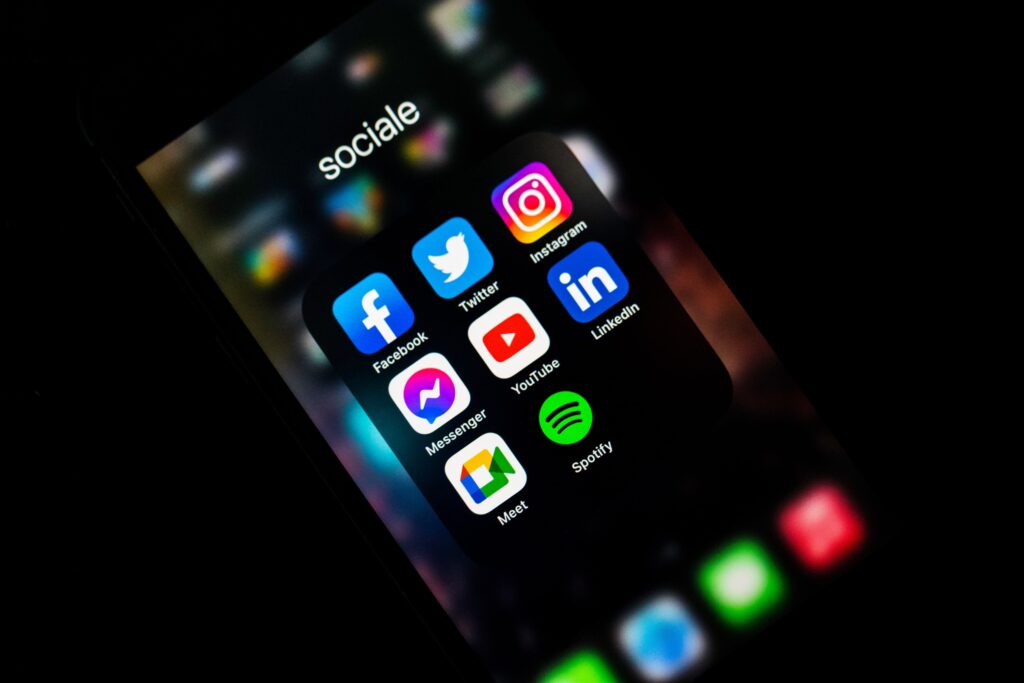
Residential proxies for social media marketing let you see each platform the way people in your target market see it: which ads run there, how your posts appear, and what is trending locally. That view is hard to get from one office connection. This guide covers where proxies genuinely help marketing teams, how to set them up, and where they create more risk than value.
Want to see your campaigns from your customers’ locations? Get a trial on QuickProxy for only $1.99.
What do residential proxies do for social media marketers?
A residential proxy routes your traffic through an IP address from a household connection in the location you choose. To the website, your visit looks like one from that place. Social platforms personalise heavily by location, language, account and history, so the location of your connection is one of the things that shapes what you see.
A proxy changes your IP address and nothing else. It doesn’t make an account look more trustworthy, and it doesn’t change a platform’s rules. Platforms look at many signals besides IP, including login behaviour, device details and activity patterns, which is why the uses below focus on checking and research.
Where proxies genuinely help
1. Check how ads appear in each market
Your dashboard tells you that an ad was delivered, but it doesn’t show you the landing page, currency or language that a visitor in another country gets. Opening those from a local IP helps you catch broken redirects, wrong prices and untranslated pages before they waste budget. See residential proxies for ads for a fuller workflow.
2. Research competitors’ public activity
Many platforms keep public ad libraries, and these are the first place to look. A local connection adds context: which public pages, offers and creative are visible in a given region, and how a competitor’s site changes from one market to another.
3. Follow local trends and conversations
Trending topics, suggested content and popular formats vary by country. Browsing public pages from your target market helps you avoid planning a campaign around what is popular only where you happen to be. For turning public feedback into insight, see understanding customer sentiment.
4. Test links and tracking
Short links, UTM parameters, geo-redirects and consent banners can all behave differently by location. Testing them from a local IP confirms that your tracking works before a campaign goes live.
5. Keep client work on a stable connection
Agencies and distributed teams sometimes want a client’s account to be used from a consistent location, such as the client’s home market. A sticky session keeps the same IP during a working session. Always use accounts you are authorised to manage, and prefer each platform’s official business tools for shared access.
How to set up proxies for social media research
- Define the question. Decide what you need to check, such as an ad’s landing page in Germany, and which locations matter. See the available proxy locations.
- Choose a session type. Use a sticky session for anything involving several pages or a login. Use rotating IPs for one-off checks of public pages across many locations. Our guide to rotating and static proxies explains the difference.
- Set up authentication. Add your proxy details to your browser or tool, following the residential proxy authentication guide.
- Use a clean browser profile. Cookies and history from your usual browsing can affect what you see. A separate profile, or a private window, gives you a more neutral view.
- Match the language and time zone. A German IP with an English browser isn’t what a typical German visitor looks like, and it can change the page you get.
- Record what you find. Take dated screenshots and note the location, so your team can compare results over time.
Which proxy type suits which task?
| Task | Good fit | Why |
|---|---|---|
| Checking ads and landing pages | Rotating residential | Many locations, each check stands alone |
| Following a multi-page path | Sticky residential | The same IP throughout the session |
| Using an authorised client account | Official business tools first; sticky residential if location matters | Consistency matters more than variety |
| Pulling account or post data at scale | The platform’s official API | Supported, stable and within the rules |
What proxies won’t do, and what to avoid
- Getting around bans or limits: if a platform has restricted an account, a new IP doesn’t resolve the problem and can make it worse. Use the platform’s appeal process.
- Fake engagement: buying or generating likes, follows, comments or reviews breaks platform rules and undermines your own analytics. Proxies don’t change that.
- Hiding linked accounts: platforms set their own rules on multiple accounts, and many use signals other than IP to connect them. Check the rules for each platform and stay within them.
- Automated collection: many social platforms restrict scraping in their terms. Use official APIs where they exist, collect public information only, and treat personal data with care. See legal web scraping.
- Replacing audience targeting: your IP has no effect on who sees your ads. Targeting belongs in the ad platform’s own settings.
Platform guides
Rules and useful workflows differ from one network to the next, so see our guides for specific platforms:
Conclusion
For social media marketers, residential proxies work best as a way to check and learn: verifying ads, researching markets and testing links from your audience’s location. Pair them with official tools, keep sessions consistent when an account is involved, and don’t rely on them to get around a platform’s rules.
Check your next campaign from your customers’ locations: start a $1.99 trial.
Questions and Answers
Q1: Do I need proxies for social media marketing?
A1: Not for everyday posting from your own accounts. They are useful when you need to see content, ads or landing pages as they appear in another location.
Q2: Will a proxy stop my account from being banned?
A2: No. Platforms act on behaviour and many signals besides IP. Following each platform’s rules is what protects an account.
Q3: Should I use rotating or sticky sessions?
A3: Use sticky sessions for logins and multi-page tasks, since an IP change during a login can look suspicious. Use rotating IPs for separate checks of public pages.
Q4: Is it allowed to collect data from social networks?
A4: It depends on the platform’s terms and on local law, especially where personal data is involved. Use official APIs where you can, and take legal advice for larger projects.
Related reading
Put the article into practice.
Spin up real residential IPs in 150+ countries. Pay once or subscribe — from $11.